
Fix problems
USB-C to HDMI Not Working? Fix It in This Order
If you find USB-C to HDMI not working on your phone, the most common cause is that the phone cannot output video over USB-C at all: it needs DisplayPort Alt Mode, which most budget phones, Galaxy A models and Pixel 7 and older do not have. If your phone does support it, check the TV's HDMI input, use a cable that carries video (not a charge-only cable), and plug a charger into the adapter if it needs power. Those four checks fix most cases.
On this page
Work down this list in order. The first check takes a minute and saves you from buying a second cable that will fail the same way. After the checklist, you will find fixes by symptom: no signal, black screen, small picture, no sound and dropouts.
1. Does your phone support video output at all?
This is the cause behind most "USB-C to HDMI not working" problems. A plain USB-C to HDMI cable needs DisplayPort Alt Mode, a hardware feature that sends a video signal through the USB-C port. The phone's chipset and port wiring must support it, and the maker must enable it. Charging and file transfer over USB-C tell you nothing about video. A USB 2.0-only port cannot carry it, and no app, setting or OTG option can add it.
| Phone | Video over USB-C? |
|---|---|
| Galaxy S8 and newer S, Note 8 and newer, Z Fold, Tab S4 and newer, A90 5G | Yes (also DeX) |
| Pixel 8, 8 Pro, 8a and newer | Yes, with Android 16 |
| Sony Xperia 1 and 5 series, ASUS ROG Phone, Huawei Mate and P flagships | Yes |
| Motorola Edge Pro/Ultra/Edge+, moto g100, g200 | Yes |
| Galaxy A/M/F (except A90 5G), Galaxy Z Flip | No |
| Pixel 7 and older, Redmi, POCO, OnePlus, Realme, moto g/e, most budget phones | Usually no |
The full list is in phones that support HDMI output. If your phone is on the "no" side, stop here: no cable or adapter will make it work. Skip to the Wi-Fi alternatives at the end. Adapters sold as "MHL" or "OTG to HDMI" will not help either, unless the phone already has video output.
2. USB-C to HDMI still not working? Work through the checklist
If your phone supports video output and the TV still shows nothing, go through these in order.
- Pick the right TV input. Press Input or Source on the TV remote and select the HDMI port number the cable is plugged into. Try another HDMI port too.
- Check the cable type. Use a real USB-C to HDMI cable or adapter. A charge-only USB-C cable between the phone and a hub carries no video. Very cheap cables fail often, so try a second one if you can.
- Power the adapter. Some adapters and hubs need external power. If yours has a USB-C PD (power delivery) port, plug the phone charger into it. With a hub or dock, use its HDMI port and connect power to the PD port.
- Restart and unlock the phone. Restart the phone, unlock it, then plug the cable in again. Some phones only start video output while unlocked.
- Remove the case. A thick case can stop the USB-C plug from going all the way in. Take it off and push the plug in fully.
- Lower the resolution demand. 4K at 60 Hz needs an adapter that supports it. If a 4K TV shows nothing or flickers, try a different adapter or a 1080p screen to rule out a resolution problem.
- Pixel 8 and newer: update to Android 16. DisplayPort output on Pixel 8, 8 Pro, 8a and newer arrived with Android 16. On older software, the TV stays blank. Check for a system update.
- Samsung: try DeX on and off. Toggle the DeX tile in quick settings, or go to Settings > Connected devices > Samsung DeX. With DeX on you get a desktop on the TV; with it off, a mirror. See the Samsung DeX HDMI guide for details.
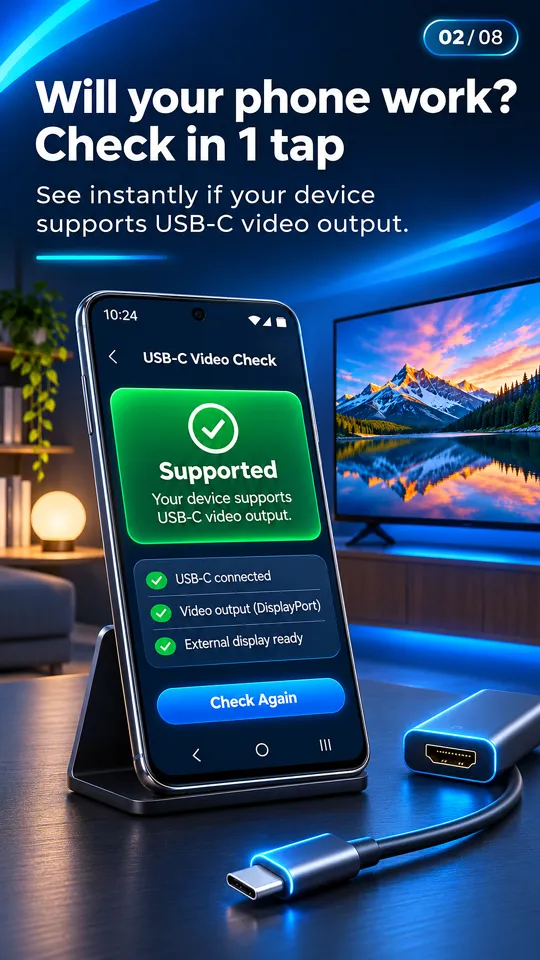
Tip: The USB-C to HDMI app detects the HDMI connection live. When you plug in, it shows the TV's resolution and refresh rate and its card turns green. If the app sees the display but the TV is blank, the problem is on the TV side (input, port or resolution), not the phone.
Fixes by symptom
USB-C to HDMI not working in a specific way? Find what the TV shows below.
"No signal"
The TV is getting nothing from the phone. In order: confirm the phone supports DP Alt Mode (check 1), select the right HDMI input, try another cable, and power the adapter. "HDMI no signal" from a phone that is on the "no" list cannot be fixed with a different cable. It is the most common reason for USB-C to HDMI no signal.
"Black screen but sound"
If the phone to TV HDMI picture is black only in Netflix, Prime Video, Disney+ or similar apps, that is HDCP copy protection. On some phones these apps block video over HDMI or show a black frame while sound keeps playing. Other apps and the home screen will display normally. There is no setting that removes this. Try the streaming app's own cast button over Wi-Fi instead. If the screen is black in every app, restart the phone and try another adapter.
"Picture is small / portrait"
The connection is working. Many apps stay in portrait, so the TV shows a tall picture with black bars at the sides. Rotate the phone to landscape, or use the app's full-screen mode. Our app's player has a "Rotate for full screen on TV" button. On Samsung, DeX gives you a full-screen desktop instead of a mirror.
"No sound on TV"
HDMI carries sound, so USB-C to HDMI no sound usually means a volume or output issue. Turn up the TV volume, check the TV is not muted or set to an external speaker, and raise the phone's media volume. Unplug and reconnect the cable, then restart the phone. If sound still fails, try another adapter.
"Works then disconnects"
The picture drops after a few seconds or minutes. Usual causes: a loose plug (remove the case), an adapter that needs more power (connect the charger to its PD port), or a cable that is failing. 4K at 60 Hz on an adapter that cannot handle it can also drop out. Try a lower resolution or another adapter.
Android to TV HDMI not working on any check?
If USB-C to HDMI is still not working after you have tried two cables, the right input and adapter power, and your phone is on the supported list, the issue may be the TV's HDMI port. Test the cable with a different TV or monitor. If it works there, the first TV's settings or port are the problem. Our USB-C to HDMI adapter guide explains which adapters handle 4K and power pass-through, and how to connect a phone to a TV with HDMI covers the full setup.
No video output? Use Wi-Fi instead
If your phone cannot output video over USB-C, you can still get your photos and videos on the TV without a cable:
- Chromecast or Google TV: cast from apps that support it.
- Screen mirroring / Smart View: the phone's built-in mirroring (Miracast) to a smart TV.
- DLNA: most smart TVs from Samsung, LG, Sony and others can play files sent over DLNA.
- Browser Cast: open an address in the TV's web browser to view what you share.
Wi-Fi Direct and Miracast can work without a router or internet in some cases. See how to connect a phone to a TV without Wi-Fi.
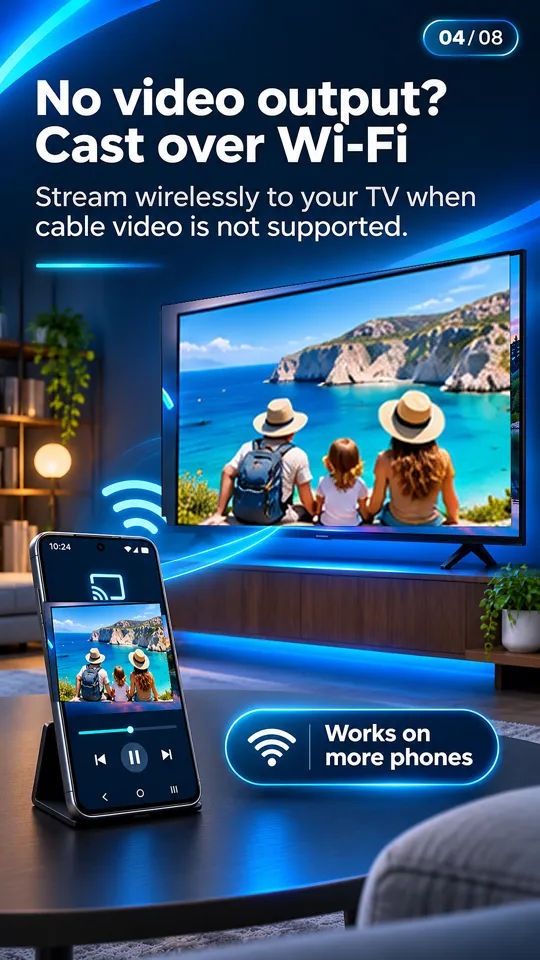
The USB-C to HDMI app casts photos and videos to Chromecast, Google TV and DLNA smart TVs found with "Choose your TV", or through Browser Cast. Your phone works as the remote. It cannot add HDMI output to a phone without it.
Questions people ask
Why is my USB-C to HDMI not working?
Most often the phone does not support DisplayPort Alt Mode, so it cannot send video over USB-C. Galaxy A/M/F phones (except the A90 5G), Galaxy Z Flip, Pixel 7 and older and most budget phones lack it. If your phone supports it, check the TV input, the cable and the adapter's power.
Why does my TV say no signal when I connect my phone with HDMI?
Either the phone has no video output, the TV is on the wrong HDMI input, the cable is charge-only or faulty, or the adapter needs external power. Check them in that order.
Why is my phone to TV HDMI screen black?
If it is black only in Netflix, Prime Video or Disney+, HDCP copy protection is blocking video over HDMI on your phone. If it is black everywhere, restart the phone, unlock it, and try another adapter or HDMI port.
Why is there no sound from USB-C to HDMI?
Check the TV volume and mute, the TV's audio output setting and the phone's media volume, then reconnect the cable. If it still fails, try a different adapter.
Why is my Pixel 8 not working with USB-C to HDMI?
DisplayPort output on Pixel 8, 8 Pro, 8a and newer arrived with Android 16. Update the phone, then reconnect. Pixel 7 and older cannot output video over USB-C.